
Winbuzz247 Login – Secure & Instant Account Access
Winbuzz247 is a round-the-clock sports gaming ID and casino platform built for Indian players. To log in, visit app.winbuzzapp.com, enter your Winbuzz247 ID and password, and you’re in. New user? Get your winbuzz gaming ID via the registration form or directly on WhatsApp – it takes under two minutes.
Winbuzz 247 makes the buzz persistent.
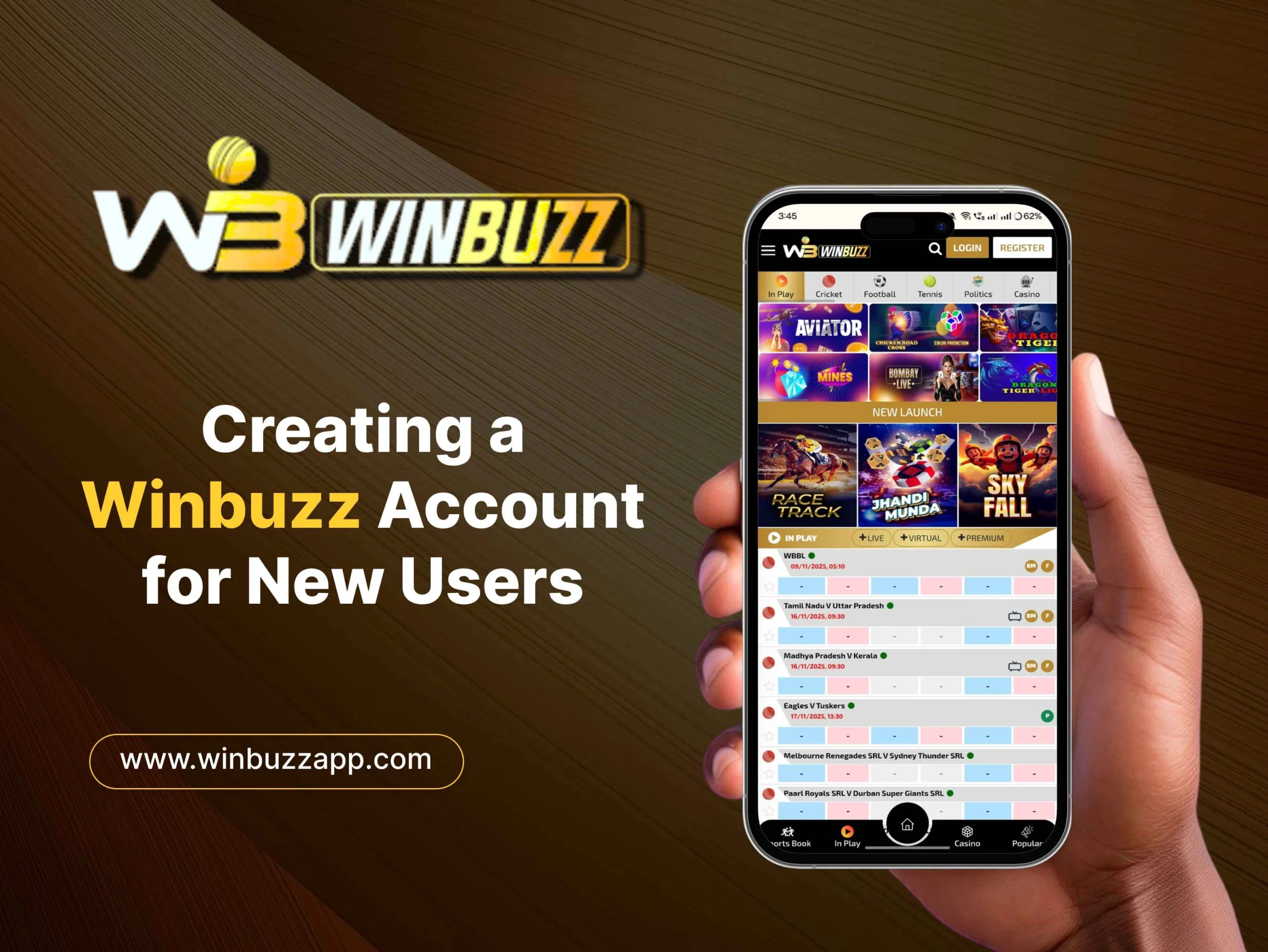
Winbuzz247 Login - Step-by-Step Guide
Logging into your Winbuzz247 account is fast. Whether you’re on a phone or a desktop, the process is the same – and it never takes more than a minute once your ID is set up.
How to Login on Desktop
- Open your browser (Chrome, Firefox, or Edge) and go to app.winbuzzapp.com.
- Click the “Login” button in the top-right corner of the homepage.
- In the ID field, enter your Winbuzz247 username exactly as it was issued – no extra spaces.
- Enter your password in the field below. Passwords are case-sensitive, so check Caps Lock.
- Provide OTP, if required, when asked for it on the registered mobile number. It will be available for a few minutes, so hurry and use it up!
- Click “Login” to confirm. You’ll land on your personal dashboard instantly.
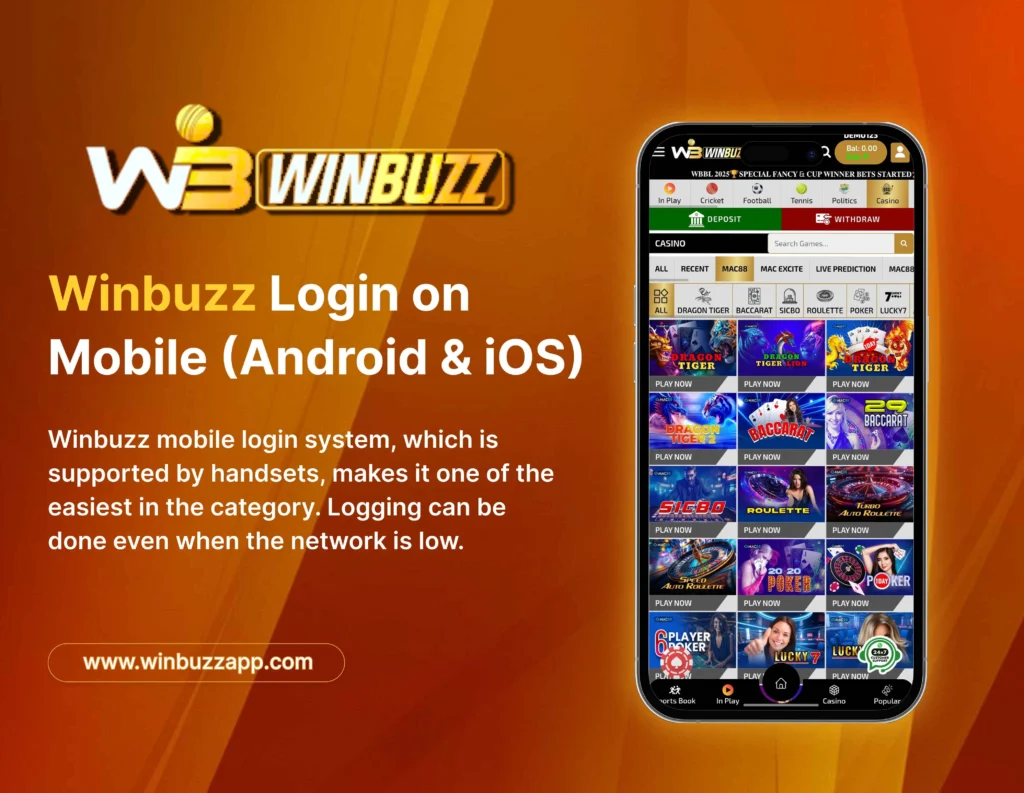
How to Login on Mobile (Android & iOS)
Winbuzz247 is fully mobile-optimised. No app download is required – the site runs smoothly in any mobile browser.
- Open Chrome (Android) or Safari (iOS) on your phone.
- Type app.winbuzzapp.com in the address bar and load the page.
- Tap “Login”, enter your Winbuzz247 ID and password.
- Complete OTP verification if prompted, then tap “Login”.
- You’re in. Your account dashboard loads in seconds.
Forgot Your Winbuzz247 Password?
It happens. Here’s how to reset it in under two minutes:
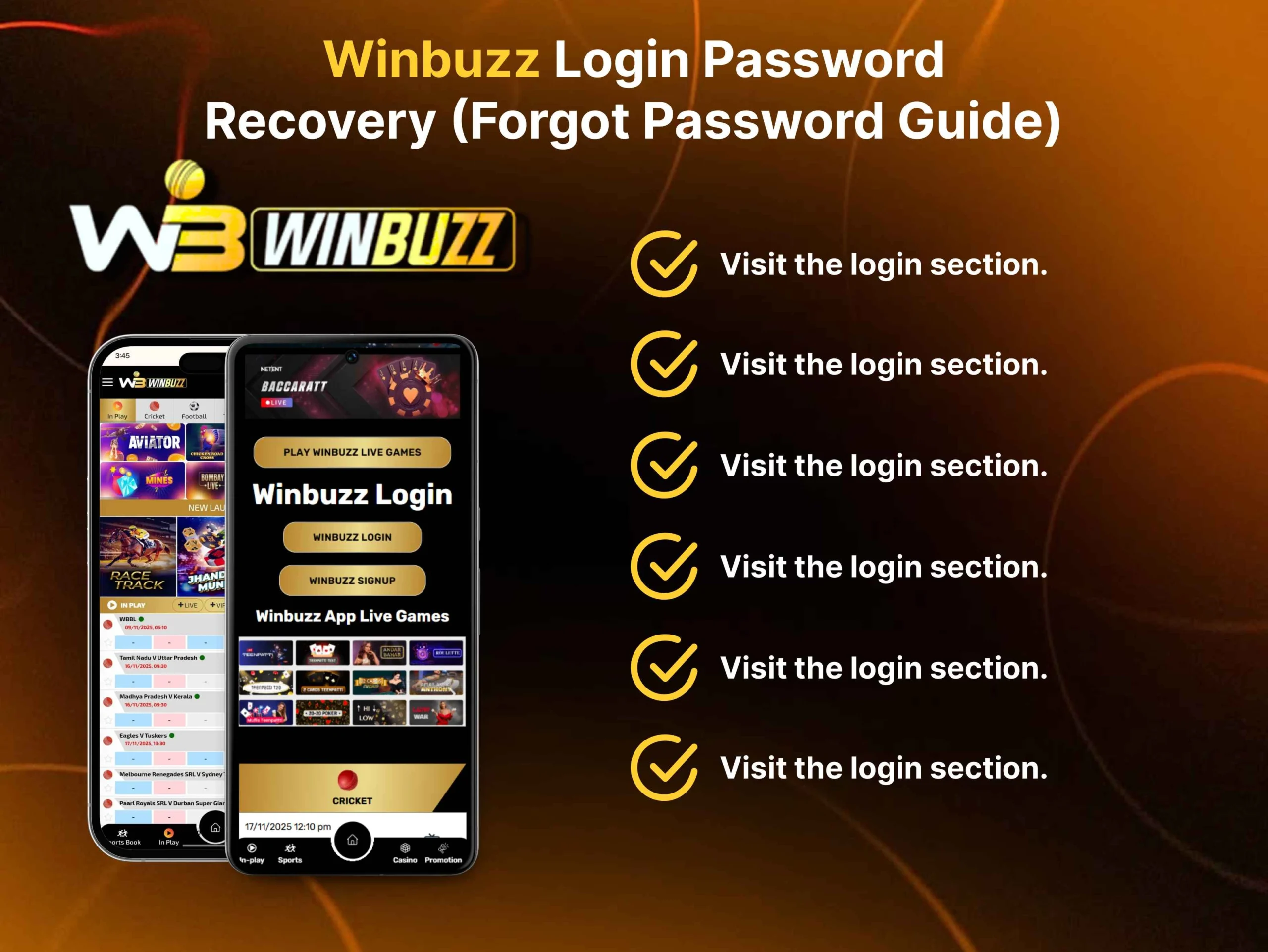
- Go to app.winbuzzapp.com and click “Forgot Password?” below the login form.
- Fill in your registered mobile number.
- A reset OTP will be sent to you by SMS, you will need to input this on the verification screen.
- Make a new strong password (use a combination of upper and lower case, numbers and a symbol).
- Use new login to log in. Your account history and balance remain unchanged.
If the OTP is not received, check the signal, wait 60 seconds and ask for the OTP once again.
Common Winbuzz247 Login Problems & Fixes
| Problem | Cause | Fix |
|---|---|---|
|
“Invalid ID or Password” error |
Wrong credentials entered |
Double-check your ID and password; check Caps Lock |
|
OTP not received |
Network delay or wrong number |
Wait 60 seconds, request OTP again; check signal |
|
Page not loading |
Slow or unstable internet |
Switch to stronger Wi-Fi or mobile data |
|
Login button not responding |
Browser cache issue |
Clear cache or try Incognito/Private mode |
|
Account locked |
Multiple failed login attempts |
Wait 15-30 minutes, then try again or contact support on WhatsApp |
|
Redirected to wrong page |
Using an unofficial URL |
Always use the official link: winbuzzapp.com |
How to Register & Get Your Winbuzz247 Gaming ID
No account yet? It takes about two minutes and is free to register, and once you’re done you will have your permanent Winbuzz247 gaming ID, which is the key to all of the features on the site.
Step-by-Step Registration (New Users)
- Go to the registration page – visit app.winbuzzapp.com and tap “Register” on the homepage.
- Provide your cell phone number – (the number you want to be associated with your account). This is where you will receive your OTPs and account recovery.
- Verify with OTP – Winbuzz247 sends a one-time password to your phone via SMS.
- Type it in the verification box to verify ownership of the number.
- Make a secure password: use a combination of uppercase, lowercase, numbers and special characters. Don’t use easy answers such as your name or “12345”.
- Fill in your name and email address – complete profile. The details are important – they’re utilized for account verification and smooth withdrawals.
- Get Your Winbuzz247 ID – After registration, you will automatically get your unique gaming ID. Save it somewhere safe – every time you log on you will need it.
- Log in and start playing – head to the login page, enter your new ID and password, and you’re live.
How to Get Your Winbuzz247 ID via WhatsApp
Prefer a faster, more personal route? The official Winbuzz247 support team can set up your account directly over WhatsApp. This is especially useful if you’re having trouble with the online form or just want a guided setup.
- Open WhatsApp on your phone.
- Message the official Winbuzz247 support number – find the verified contact on the official site.
- Request a new gaming ID, for example, Winbuzz247 and enter your name and phone number.
- The support agent confirms your information – he/she may ask a simple security question to verify your identity.
- Receive your ID – your Winbuzz247 login ID and initial credentials are sent directly to you on WhatsApp.
- Log in – use the credentials provided to access your account at app.winbuzzapp.com and set your own password immediately.
- The WhatsApp route is popular with first-time users. It’s fast, guided, and you have a real person walking you through setup.
What is Winbuzz247?
Winbuzz247 is an online sports gaming ID and casino website that is tailored for the Indian market. As the name implies, it’s accessible 24 hours, every day, all year long – with no downtime, no maintenance window, and no holidays.
Whether you want to bet on a late-night IPL match, spin a live roulette wheel at 2 AM, or place a quick kabaddi wager during your lunch break, Winbuzz247 is always open. The platform runs on winbuzz247.com and its dedicated app portal at app.winbuzzapp.com, and it’s built mobile-first – so the experience on your phone is just as sharp as on a desktop.
Key Features of Winbuzz247
- Round-the-clock availability – no downtime, no scheduled maintenance breaks
- Instant gaming ID – get your unique Winbuzz247 ID in minutes via the site or WhatsApp
- Live sports gaming ID – real-time odds across cricket, football, kabaddi, tennis, basketball, and e-sports
- Full casino suite – Teen Patti, oulette, Andar Bahar, Baccarat, Blackjack, and live dealer tables
- Indian payment methods – UPI, Paytm, Google Pay, PhonePe, Net Banking, and bank transfer
- Fast withdrawals – winnings processed quickly, directly to your bank or UPI account
- Advanced encryption – your financial data and personal information are protected at every step
- Mobile-first design – smooth, responsive experience on any Android or iOS device
- WhatsApp support – dedicated support team reachable directly on WhatsApp for ID setup and account help
- Responsible gaming tools – deposit limits and self-exclusion options available
Sports Gaming ID on Winbuzz247
This is where Winbuzz247 really delivers. The sports gaming ID section covers the events Indian players actually care about – and the live gaming ID feature means you can place wagers while the action is happening in real time.
Cricket is the flagship. IPL, Test matches, T20 internationals, domestic tournaments – Winbuzz247 covers them all with competitive pre-match and live odds. Ball-by-ball markets, match winner, top batsman, total runs – the depth is there.
Football gets serious coverage too. Premier League, Champions League, ISL, and international fixtures all feature, with live odds updating as goals go in.
Kabaddi is a particular favorite among Indian players. The season of the PKL and big tournaments are covered in full – something that is rare to see in many international platforms.
Tennis is a widely played game that is available for gaming ID at the Grand Slams, ATP, WTA, and Davis Cup, and is played on a set-by-set and game-by-game basis.
Basketball coverage covers both the NBA and international games, live match odds and quarterly gaming ID options.

Casino Games on Winbuzz247
Not in the mood for sports? The Winbuzz247 casino section runs 24/7 with a full lineup of classic and live dealer games.
- Teen Patti is the crowd favourite – multiple variants including standard, Muflis, 20-20, and AK47 keep the game fresh no matter how many sessions you’ve played.
- Roulette comes in two forms: European and live dealer. Make your wagers, see the wheel spin live and collect instantly.
- Andar Bahar is the quintessentially Indian card game, and Winbuzz247 runs it with live dealers for an authentic feel.
- Baccarat attracts the high-stakes crowd. Clean interface, fast rounds, live dealer tables available around the clock.
- Blackjack tables run continuously with multiple stake levels – from casual players to serious card strategists.
Live Dealers are the real differentiator. Winbuzz247’s live casino streams real dealers from professional studios, so you get the atmosphere of a real casino from your phone. Chat with the dealer, watch every card dealt, and play in real time with other players at the table.
Payment Methods & Withdrawals
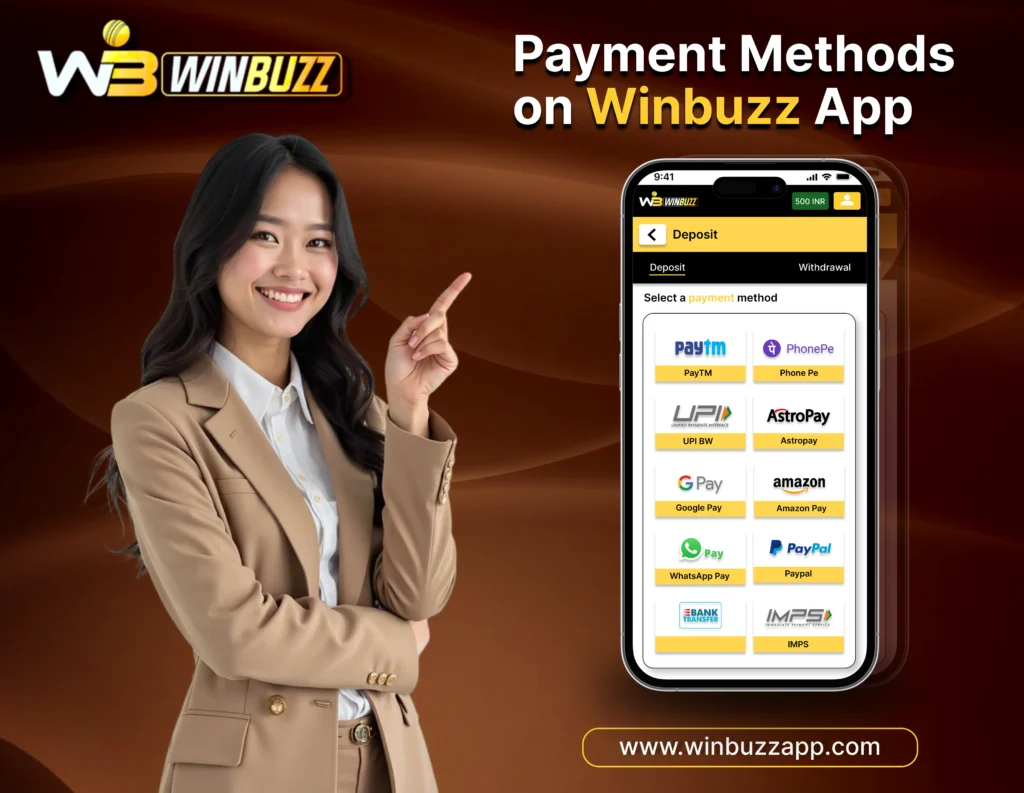
Winbuzz247 is built for Indian users, and the payment options reflect that. All big payment options are available.
Deposits:
- UPI – the fastest and most popular (seconds to complete transactions).
- Paytm is the most popular, instant credit to your Winbuzz247 wallet.
- Google Pay – easy and connected to your bank account.
- PhonePe – Trusted & fast in India.
- Net Banking – direct bank to platform transfer using IMPS/NEFT
- Bank Transfer – account-to-account transfer for larger amounts (direct transfer from bank account to bank account)
In most cases, withdrawals will be processed in the same manner as deposits. The main method of withdrawing funds is the UPI or bank transfer and Winbuzz247 will process your request within a few hours and most withdrawals arrive within few hours.
Security: All transactions are encrypted with SSL. Your financial information is never displayed in plain text, and the platform has rigorous data protection procedures. A one-time login verification is likely to be necessary for the first withdrawals – this is a common practice and safeguards your deposits.
Note: Please always use your official Winbuzz247 account dashboard payment methods. Do not wire money to an unverified account or number.
Winbuzz247 Bonus Offers
New to Winbuzz247? You’re in the right place at the right time. The platform runs several bonus programmes designed to give your account a head start and reward loyal players.
Welcome Bonus for New gaming IDs – Winbuzz247 offers new ones a welcome bonus on their account when they register and make their first deposit. This will allow you to try sports gaming ID and casino games before putting in more of your money. The actual bonus is subject to change – consult the current bonus page on your account dashboard for the current bonus.
Referral Bonus Already a member? Invite a friend to sign up to Winbuzz247 and get a bonus for inviting them when they sign up and deposit. The more friends you come with, the more you make. It is one of the easiest methods to improve balance without wagering any money.
Ongoing Promotions Winbuzz247 organizes promotions throughout the year and event, particularly during IPL, T20 World Cup and other major cricket tournaments. Be sure to check the promotions tab on your account for the newest promotions.
Bonus terms and wagering requirements apply. Always read the conditions before claiming any offer.
Responsible Gaming Disclaimer
Online gaming and winbuzz ID should always be enjoyed responsibly and for entertainment purposes only. We encourage all users to play within their limits and avoid excessive gambling behavior.
If you feel that gaming is affecting your finances, mental health, or daily life, please seek professional support and take a break from gaming ID activities.
This platform is intended only for users who are 18 years or older. Please play responsibly.
On-demand, 24/7 - Play at any location anytime
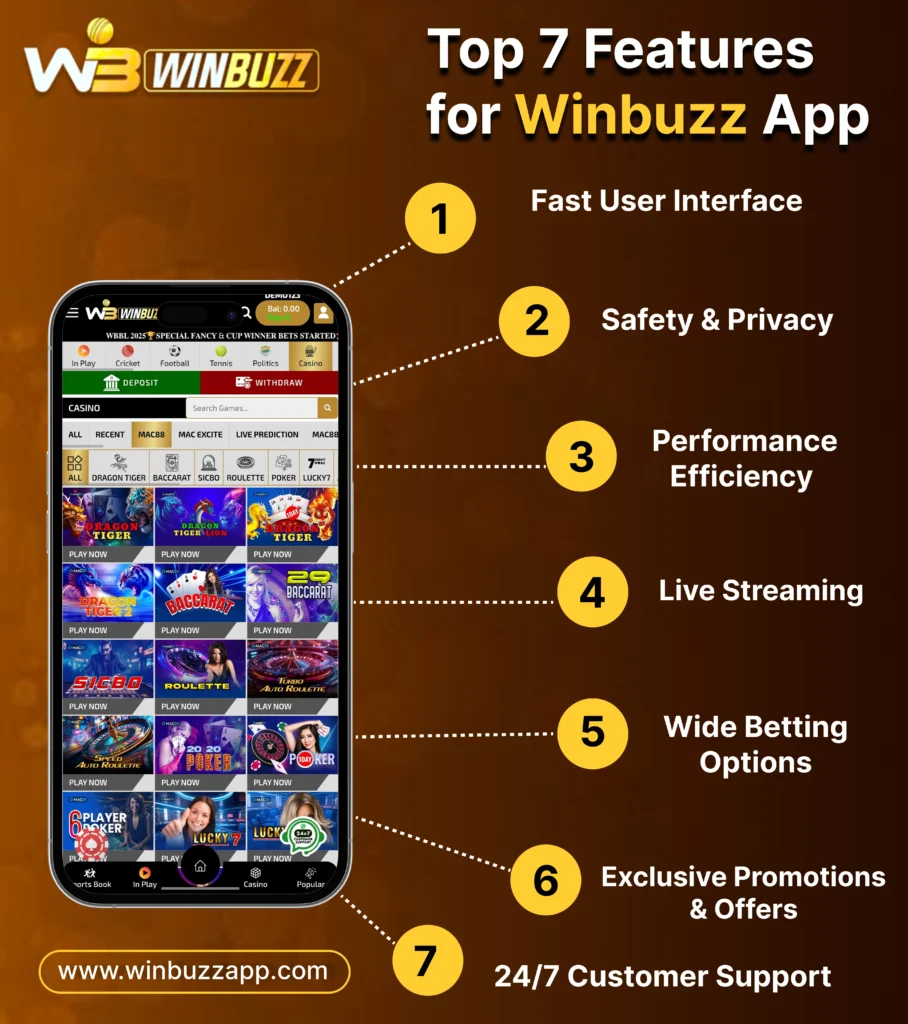
- Fluid User Interface – Rapid, safe and user-friendly interface that will make gaming a breeze.
- Diversity of Games and Challenges – Fancy sports and interactive entertainments, everyone should find something.
- Safe and Secure Transactions– With advanced encryption your data and payment is safe.
- Community Buzz – Share and discuss with other players, get inspiration on winning, and talk about it with friends and fellow players.
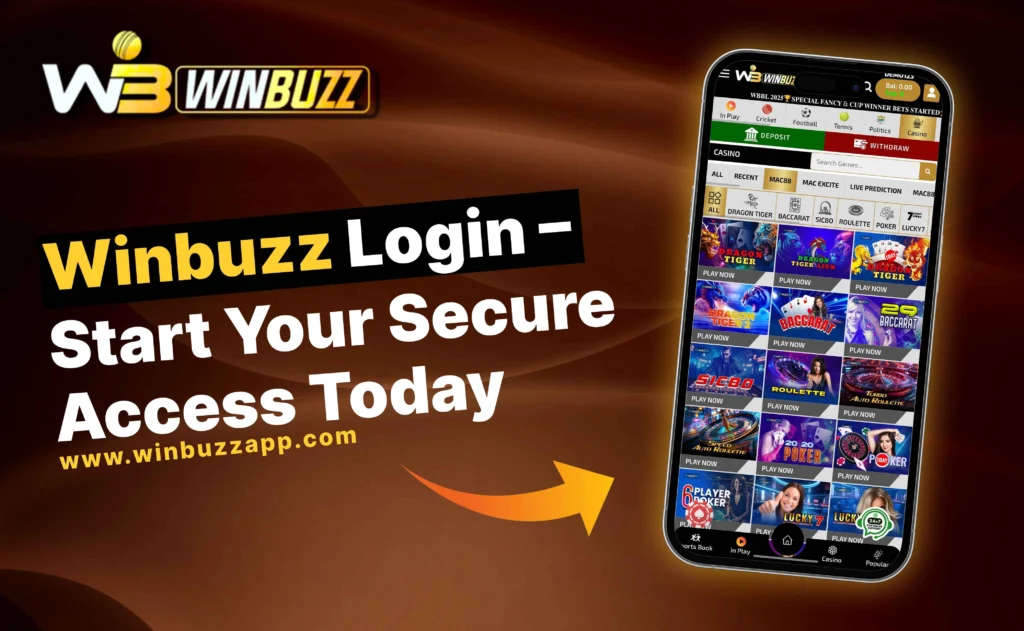
The Winbuzz 247 Experience
Winbuzz 247 is built on three ideas: Play, Win and Buzz. These elements make Winbuzz 247 an engaging experience that keeps you coming
Play
Winbuzz 247 offers games, sports and interactive experiences. You can play for a few minutes or several hours. The variety means you can try something every time.
Win
Every game and challenge on Winbuzz 247 gives you a chance to earn rewards, bonuses and prizes. Winning is not about luck; it's about skill, strategy and consistency. The more you play and the better you play the more you can earn.
Buzz
The excitement of competing, the thrill of winning and the energy of a community. That's the buzz of Winbuzz 247. This feeling keeps players engaged not for rewards but for the experience.
Features That Keep You Engaged
Here’s a look at the key features of Winbuzz 247:
Feature | Benefit |
Diverse Gaming Options | Explore fantasy sports, interactive challenges, and casual games. |
Instant Play | No delays, no waiting — just pure entertainment. |
Secure Platform | Safe deposits, withdrawals, and personal data protection. |
Rewards & Bonuses | Exclusive offers, loyalty perks, and seasonal promotions. |
Global Access | Play from anywhere in the world, anytime you want. |
Community Engagement | Share strategies, celebrate wins, and join tournaments. |
How to Get Started on Winbuzz 247
Getting started is easy. Here’s what to do:
- Create Your Account – Signing up is free and takes a minutes. Go to app.winbuzzapp.com click Register and follow the steps.
- Explore the Games – Browse through the options. Winbuzz 247 has games, sports contests and challenges. Try categories to find what you like.
- Win – Start playing, give it your best and collect your rewards. The platform is designed to make every session enjoyable.
- Stay Connected – Join the Winbuzz community participate in tournaments and check back for games, promotions and updates.
Why Players Love Winbuzz 247
Players choose Winbuzz 247 for entertainment and value. Here’s what makes it stand out:
- Flexibility – Winbuzz 247 fits your schedule. You can play for a few minutes or several hours.
- Genuine Fun – Every game is designed to be engaging. You’ll find yourself on the edge of your seat.
- Real Rewards – Bonuses, loyalty benefits and promotions make your time on Winbuzz 247 rewarding.
- Trustworthy and Transparent – Winbuzz 247 operates with transparency secure payment systems and responsible gaming policies.
The Future of Online Entertainment.
Winbuzz 247 is continuously. Evolving. The team introduces games, challenges and features to keep the experience fresh.
Whether you’re new to gaming or a seasoned player Winbuzz 247 has something to offer. The future of entertainment is live interactive and never stops. And Winbuzz 247 is, at the centre of it.
For gamers and competitive players Winbuzz 247 is your space to play, connect and win at any hour.
Start Playing Now

Frequently Asked Questions(FAQs)
What is the official URL for Winbuzz 247 login?
The official login address is app.winbuzzapp.com. Always use this exact URL when logging in. Bookmark it on your browser to make sure you always land on the real site and never accidentally visit a fake or phishing version.
What should I do if I forget my Winbuzz 247 password?
Go to the login page and click the “Forgot Password?” link. Enter your registered mobile number, verify with the OTP sent to your phone, then create a new password. The whole process takes under two minutes and your account history remains untouched.
Why is my OTP not arriving?
OTP delays are almost always caused by a slow or congested mobile network. Wait 60 seconds before requesting a new OTP. Also check that your phone has a good signal and that the mobile number on your account is correct. Restarting your phone can sometimes also help.
Can I log in to Winbuzz 247 on my mobile phone?
Yes, absolutely. Winbuzz 247 works perfectly on any smartphone. Open any browser on your Android or iOS device, go to app.winbuzzapp.com, and log in exactly as you would on a desktop. For quicker access, add the site to your phone’s home screen.
My account is locked after multiple failed login attempts. What do I do?
Account locking after repeated failed attempts is a security feature that protects your account from unauthorised access. Simply wait for 15 to 30 minutes before trying to log in again. If the account remains locked after that, contact the Winbuzz support team on WhatsApp and they will help you regain access.
How do I get a Winbuzz 247 ID?
You receive a Winbuzz ID automatically when you complete the registration process at app.winbuzzapp.com. Alternatively, you can message the official Winbuzz support team on WhatsApp and they will send you an ID directly. Always keep your Winbuzz ID saved somewhere safe, as you need it every time you log in.
Is Winbuzz 247 safe to use?
Yes. Winbuzz 247 is a licensed platform operating under Curacao regulations. It uses encryption to protect your financial transactions and personal information. The platform also follows responsible gaming guidelines. To stay safe, always use the official login URL and never share your password or Winbuzz ID with anyone.
Can I register without going through the website?
Yes, If you prefer a faster route, you can contact the official Winbuzz support team via WhatsApp and they will set up an account for you and send you your Winbuzz ID directly. This is particularly useful if you are having trouble with the online registration form.